
Manually using the webapp
The wis2box-webapp available at WIS2BOX_URL/wis2box-webapp provides a user interface for manual data ingestion and data conversion.
FM-12 SYNOP form in the wis2box-webapp
You can manually ingest FM-12 SYNOP data using the wis2box-webapp.
Select the “FM-12 SYNOP” option from the menu on the left:
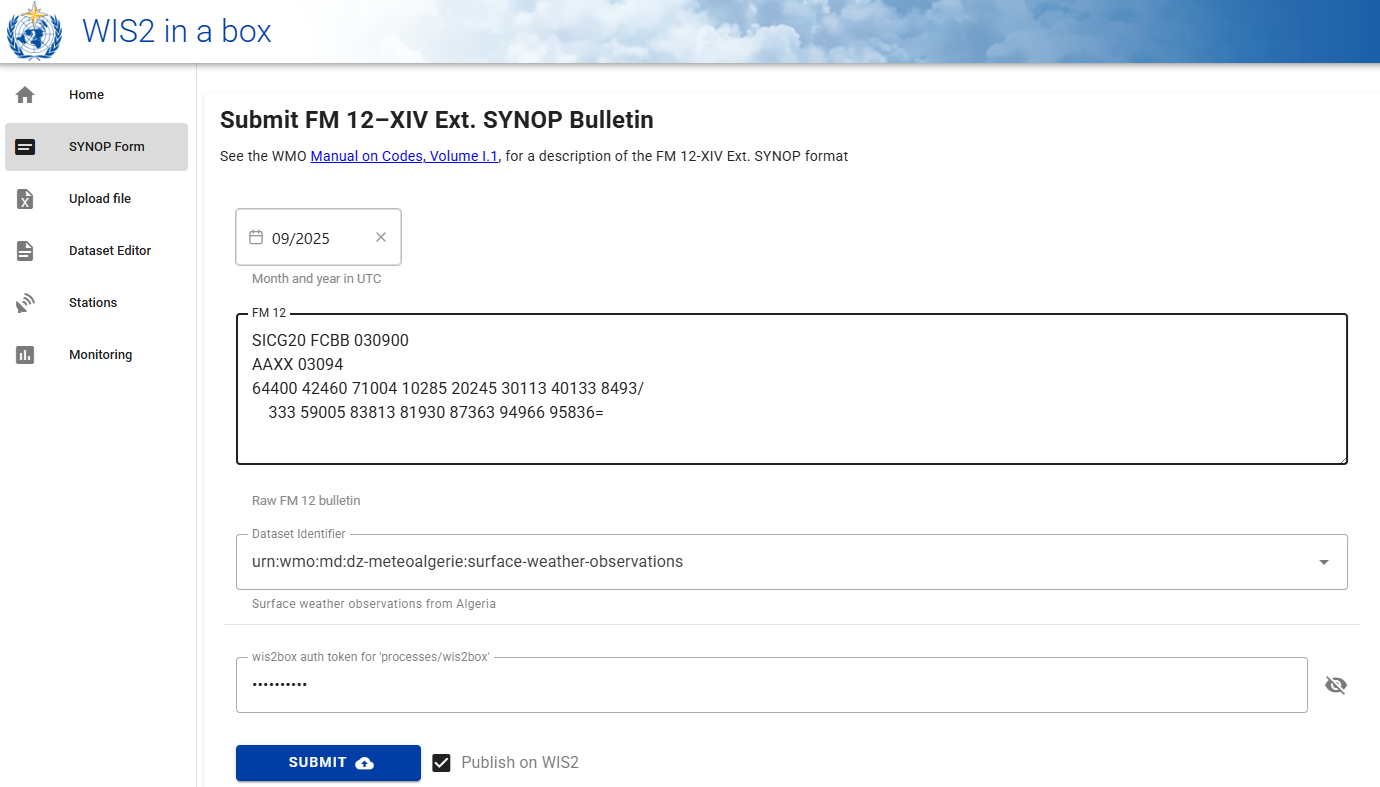
Provide the required information in the form:
Month and year in UTC
FM 12 encoded input data
Dataset identifier
Authentication token for ‘processes/wis2box’
Then click “Submit” to ingest the data.
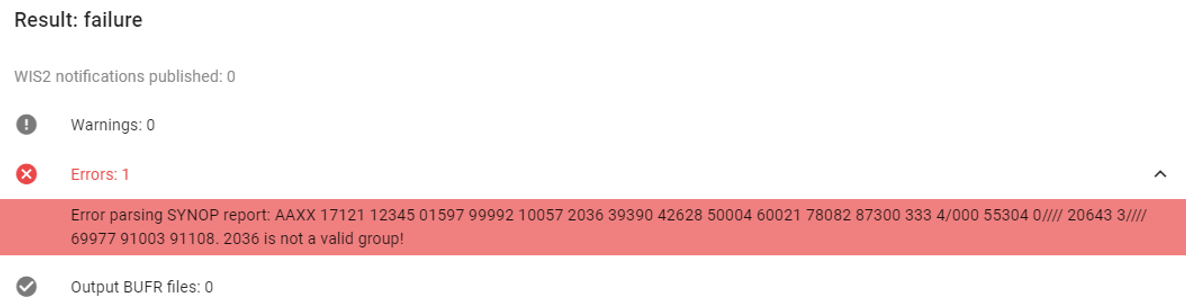
If there are issues during the data conversion you click to open the “Warnings” and “Errors” sections to see the details:
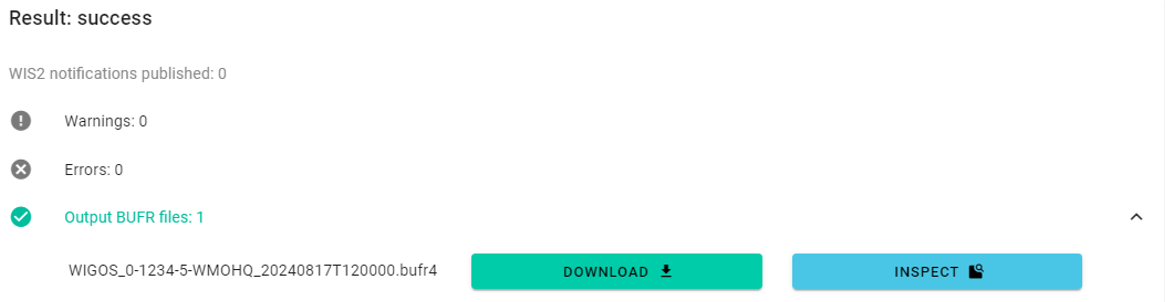
If the data conversion is successful you click on “Output BUFR files” to inspect the result:
Manual file upload using the wis2box-webapp
You can also upload files using the wis2box-webapp, to manually trigger the data ingest process.
To access this interface, select the “Upload file” option from the menu on the left:
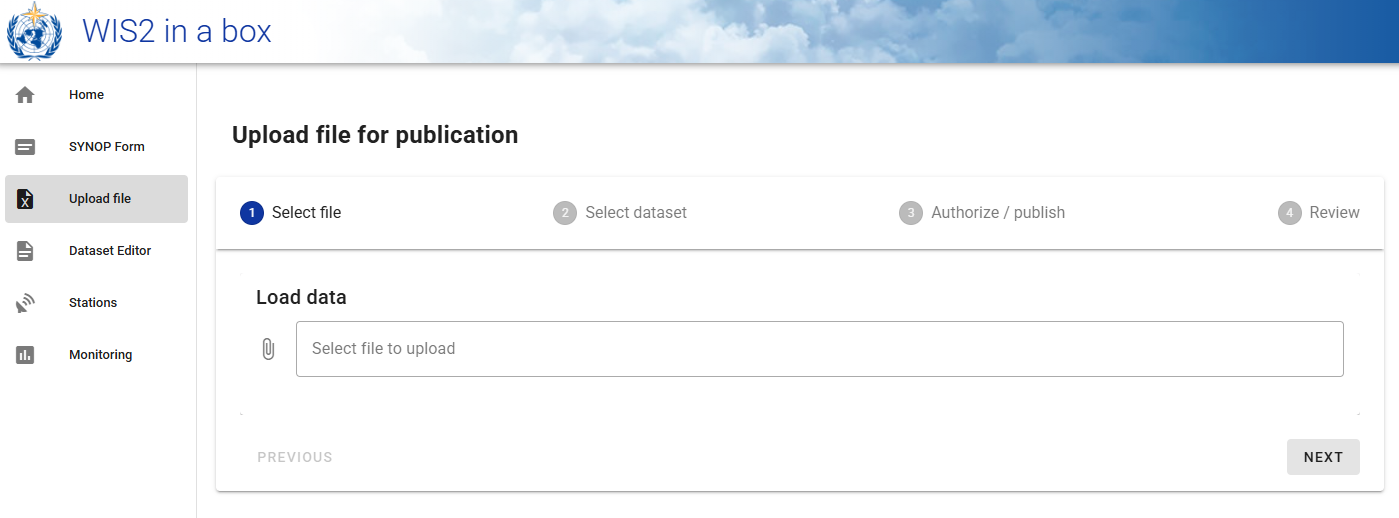
And follow the instructions to upload a file.