
Using MiniO SFTP
Data can uploaded into MinIO over SFTP.
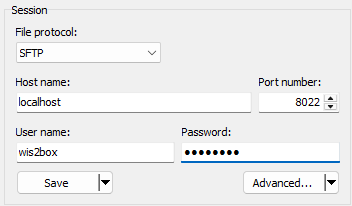
You can connect to the SFTP service using the MinIO storage username and password as defined by WIS2BOX_STORAGE_USERNAME and WIS2BOX_STORAGE_PASSWORD in wis2box.env. The SFTP service is enabled on port 8022 by default.
Using a client such as WinSCP, a user can connect to the SFTP service:
The root directory of the SFTP service will contain 2 folders for the buckets configured in MinIO: wis2box-incoming and wis2box-public:
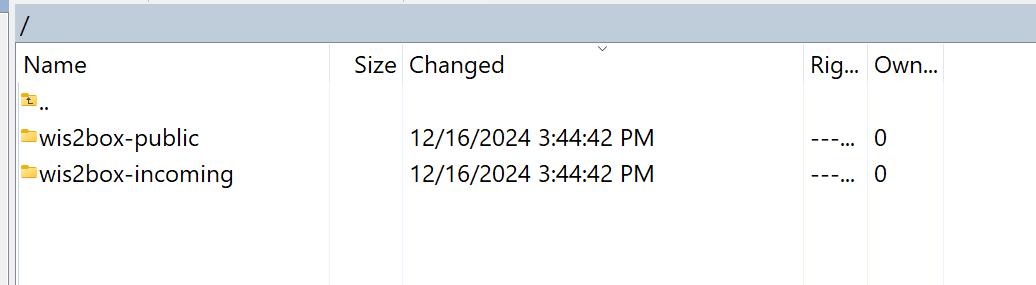
To utilize this functionality, data needs to be uploaded to the wis2box-incoming bucket, in a directory that matches the dataset metadata identifier or the topic in the data mappings.
For example, using the command line from the host running wis2box:
sftp -P 8022 -oBatchMode=no -o StrictHostKeyChecking=no wis2box@localhost << EOF
    mkdir wis2box-incoming/urn:wmo:md:it-meteoam:surface-weather-observations.synop
    put /path/to/your/datafile.csv wis2box-incoming/urn:wmo:md:it-meteoam:surface-weather-observations.synop
EOF