
Troubleshooting
This page lists common issues encountered and how to address them accordingly.
Permission denied after executing “python3 wis2box-ctl.py start”
The wis2box-ctl.py utility is a Python script which manages using Docker commands in a convenient manner. When running
python3 wis2box-ctl.py start, if there is a permission denied error,
it is likely that the user running this command does not have the required permissions to run Docker commands.
To fix this, make sure to add your user to the docker group:
sudo usermod -aG docker $USER
# logout and login for changes to take effect
Bind for 0.0.0.0:XX failed: port is already allocated
wis2box includes a set of services that bind to specific ports on the host system.
Make sure that the ports required on the host are available see Getting started for the list of ports used by wis2box.
If you are unsure which process is using a specific port, you can try to check using one of the following commands:
sudo lsof -i :80   # Find process using port 80
sudo netstat -tuln # Alternative check
wis2box-ctl.py status: one or more containers are restarting
If the output of the command python3 wis2box-ctl.py status displays one or more services as restarting or unhealthy,
they are likely failing to start due to an error in the configuration or insufficient resources resulting in a failed startup.
If services are not running at all (status shows exited or not running), start them as follows:
python3 wis2box-ctl.py start
Please check for Docker issues as described above during the startup process.
If services are restarting/unhealthy, check the logs to identify the cause.
If Grafana is running:
You can use the ‘Explore’ option in Grafana running on port 3000 of your instance to view the logs of the wis2box services. Open a browser and navigate to http://<your-instance-ip>:3000. Select ‘Explore’ from the menu on the left,
then select ‘wis2box-loki’ as the datasource and use label=container_name as illustrated in the image below:

Select the container_name for the service to be inspected, click on the ‘Run query’ button and scroll down to view the logs.
If Grafana is not accessible:
Check logs directly from the host:
docker compose logs --tail=200 <container_name>
Please check the logs for the following containers:
wis2box-management
wis2box-minio
wis2box-api
Common causes:
WIS2BOX_STORAGE_PASSWORDis too short (MinIO fails to start, edit wis2box.env and set a longer password)WIS2BOX_BROKER_PASSWORDcontains the@character (broker authentication fails, edit wis2box.env and set a password without@)Insufficient disk space (Use
df -hto check disk space)Docker volumes present from an older wis2box installation (use
docker volume lsto list volumes anddocker volume rm <volume_name>to remove them)
After fixing the issue, restart all services:
python3 wis2box-ctl.py stop
python3 wis2box-ctl.py start
No station on map in wis2box-ui
The stations displayed in the wis2box-ui per dataset are defined by the topic associated with the station. If the topic for this dataset has no stations associated to it, you will get the following popup:
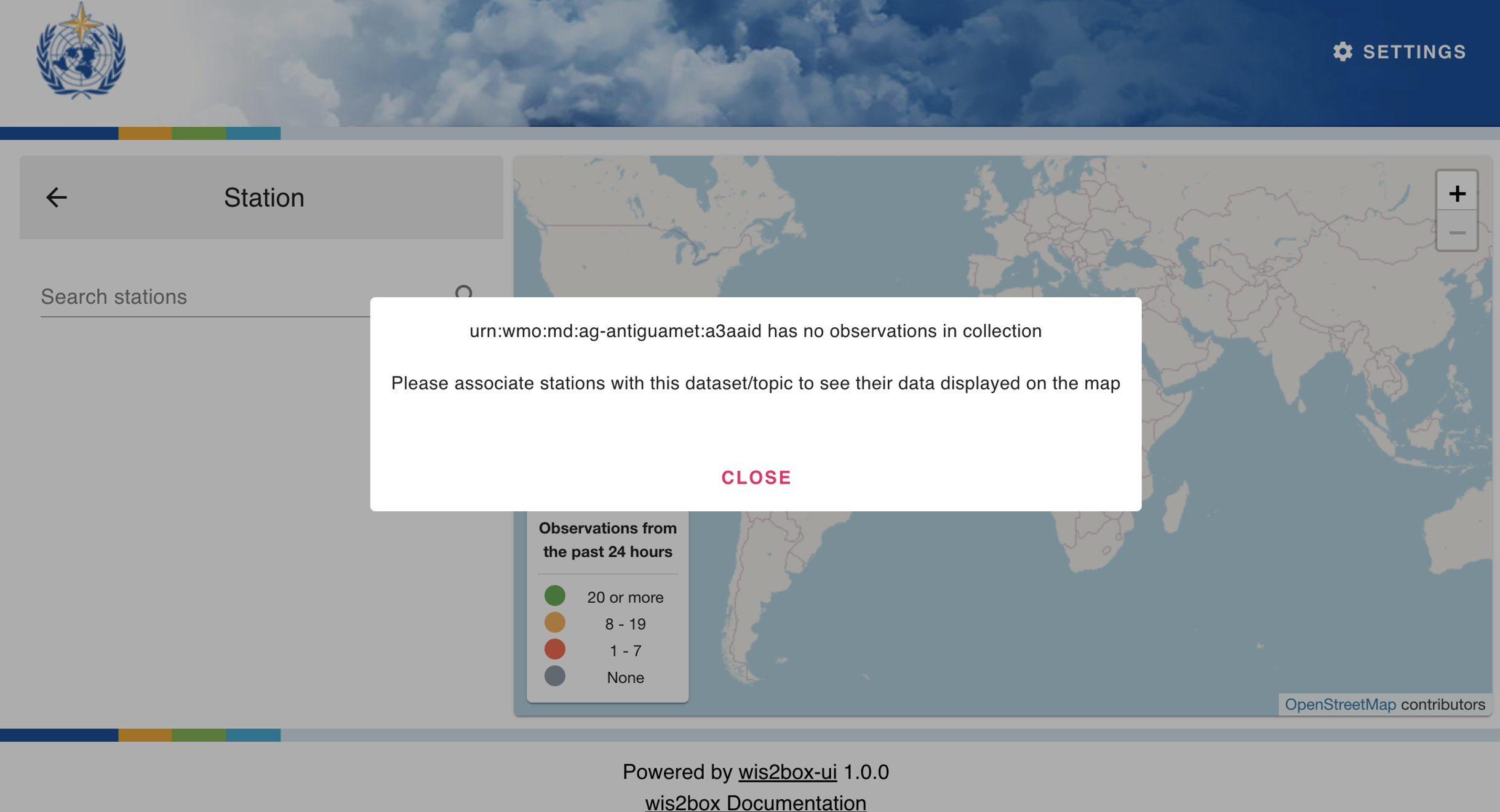
Consult the user guide for instructions on how to manage the stations in the wis2box-webapp.
The Access Key Id you provided does not exist in our records
If this error occurs when uploading data to the wis2box-incoming storage, the username/password credentials for MinIO access are incorrect.
Check the values for WIS2BOX_STORAGE_USERNAME and WIS2BOX_STORAGE_PASSWORD set in the wis2box.env file.
ERROR - Failed to publish, wsi: …, tsi: XXXXX
Data arrived for a station that is not present in the station metadata cache.
Use the station editor in wis2box-webapp to add the missing station and associate it with the correct topic hierarchy.
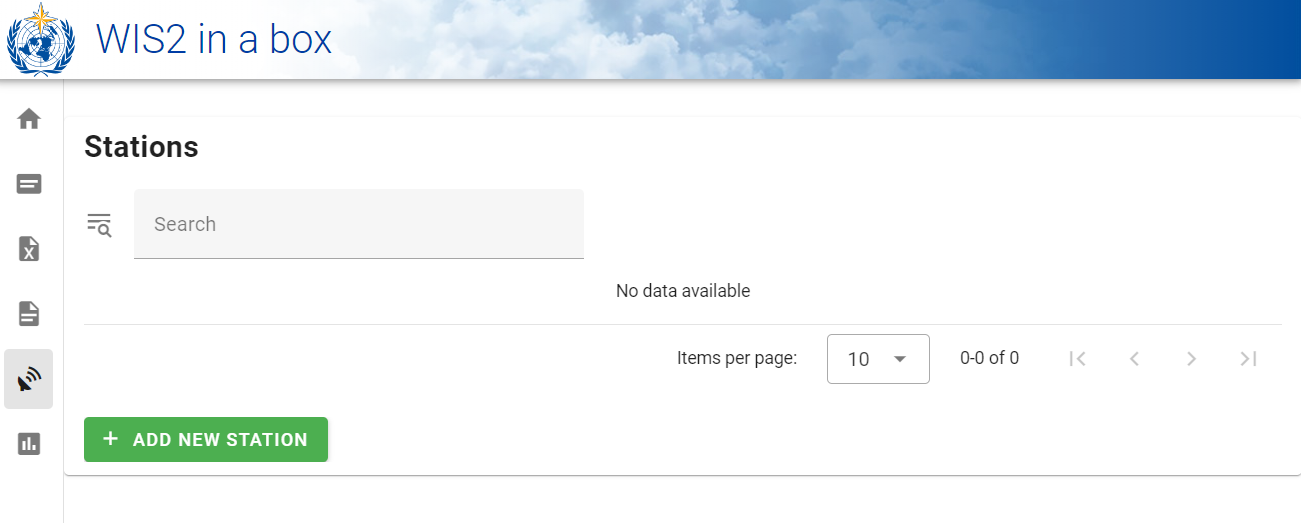
After saving, the cache is refreshed and the station becomes available to pipelines.
wis2box UI connection error
If the wis2box UI is available but no datasets are visible, check the WIS2BOX_URL and WIS2BOX_API_URL are set correctly.
If error TypeError: Failed to fetch error appears in the wis2box UI, this indicates that the UI could not connect to the wis2box API:

Verify that:
WIS2BOX_API_URLin configuration points to the correct API endpoint (including protocol, host, and port).The wis2box API service is running and accessible from a web browser.
Any reverse proxy or firewall is correctly forwarding requests to the API.
After correcting the configuration, restart wis2box for the changes to take effect.
wis2box UI is empty
If the wis2box UI is available but no datasets are visible, and the message Discovery Metadata contains no datasets is displayed:
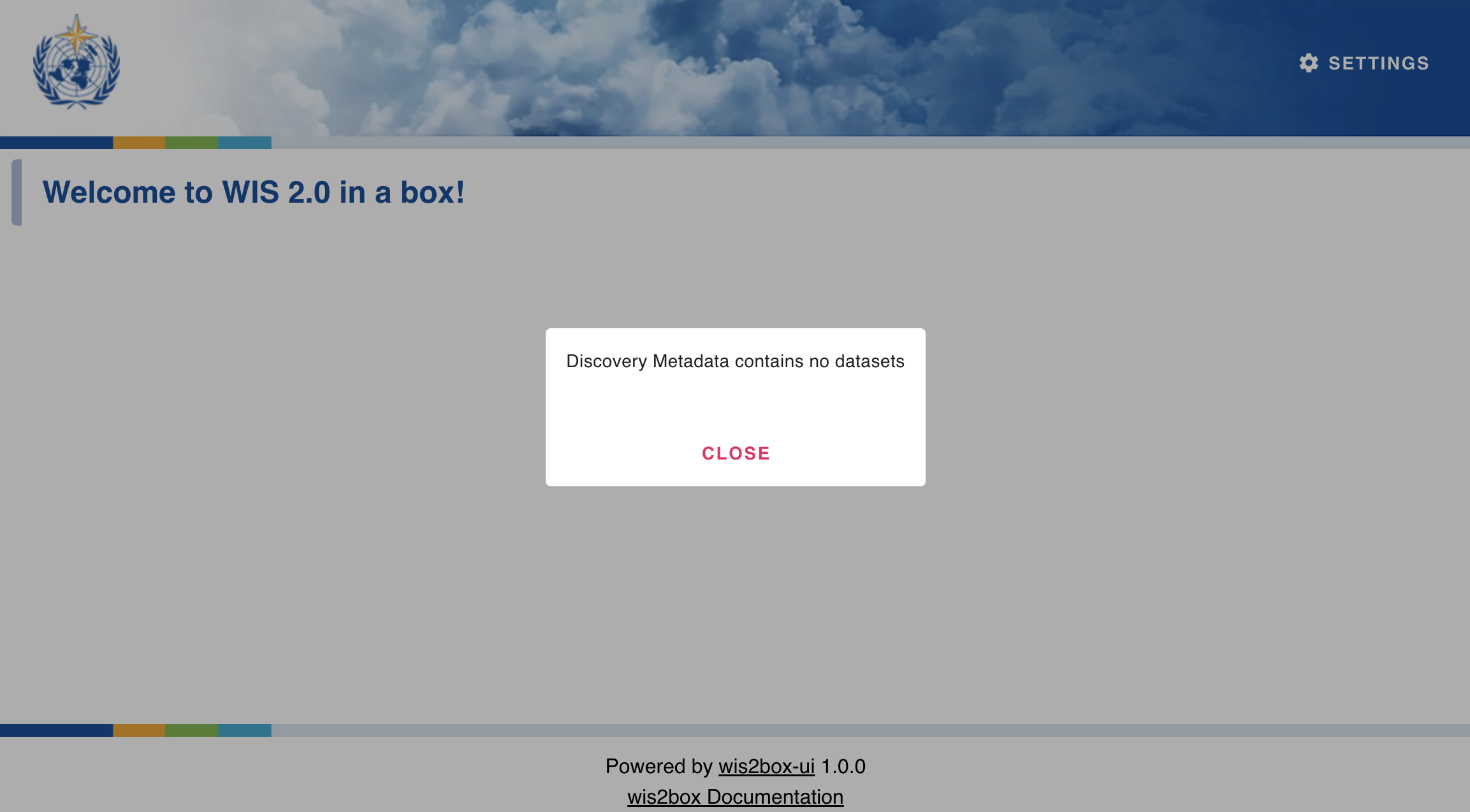
This means the collection discovery-metadata in the wisbox API is empty, due to no datasets having been created or Docker volume wis2box_project_es-data was removed.
Consult the user guide for instructions on creating datasets.